
It’s the umpteenth day of quarantine, and you are determined to use your seemingly endless free time today to accomplish great things. You are motivated and powerful and completely capable of crushing your to-do list!
So you sit down in front of your computer, ready to focus and get things done.
You start out strong. You push out content and power through tasks. However, as the hours wear by, you feel your attention slipping. Maybe a quick peek at Instagram will be enough to recharge—
And before you know it, what was intended to be a 5 minute break becomes half an hour, or longer. Your flow is broken, and the procrastination begins.
This productivity dilemma is one that plagues us all, especially during quarantine, when all sense of time and schedules seems to have disappeared. The thing is, willpower alone will not get you through difficult task after difficult task — working nonstop is simply not sustainable and will inevitably lead to distraction. Whether you struggle with procrastinating before starting tasks or stagnating after working for some time, what you need is a technique: the Pomodoro technique.
With the Pomodoro technique, you work for 25 focused minutes followed by a 5-minute break. For every 4 sessions you complete (i.e., every 2 hours), take a 30-minute break before starting the cycle over again.
By forcing you to focus deeply for short periods of time, the Pomodoro technique can magnify your productivity massively. After all, who can’t work for just 25 minutes at a time? When work is broken down into bite-sized chunks, daunting projects become accomplishable individual tasks. Furthermore, you reduce busywork and multitasking (which, despite how they may feel, are actually detrimental to productivity) by working on only one task at a time.
Long, unregulated periods of social media-scrolling are relegated into compact, 5-minute breaks of relaxation. Scheduling and taking regular, short breaks keeps your energy and motivation steady; plus, you become more aware and strategic about how you’re spending your free time. Besides the reduced stress, mitigation of interruptions, and greater sense of control that come with good time management, there are numerous benefits to using the Pomodoro technique in particular, including the following:
- Customizability: You can change break and work intervals however you see fit! I often alternate between 50 minute work/10 minute breaks and 25 minute work/5 minute breaks.
- Versatility: The Pomodoro technique can be applied to a variety of activities, ranging from group projects to independent essay writing.
- Simplicity: The Pomodoro technique is easy to use and remember: 25 minutes of work, 5 minutes of rest!
- Research-backed: Although you’d be hard-pressed to find empirical studies on the Pomodoro technique’s effectiveness, there is research support for the Pomodoro technique’s periodic workflow structure. Ultimately, the single best way to test whether the Pomodoro works for you is to try it out yourself!
Now that you’re excited about boosting your productivity through the Pomodoro technique, here are some of my favorite Pomodoro resources. Feel free to experiment — looking up “Pomodoro timer” in the App Store or Chrome extension store will pull up hundreds of results (though don’t let Pomodoro experimentation become a reason for procrastination!).
Websites
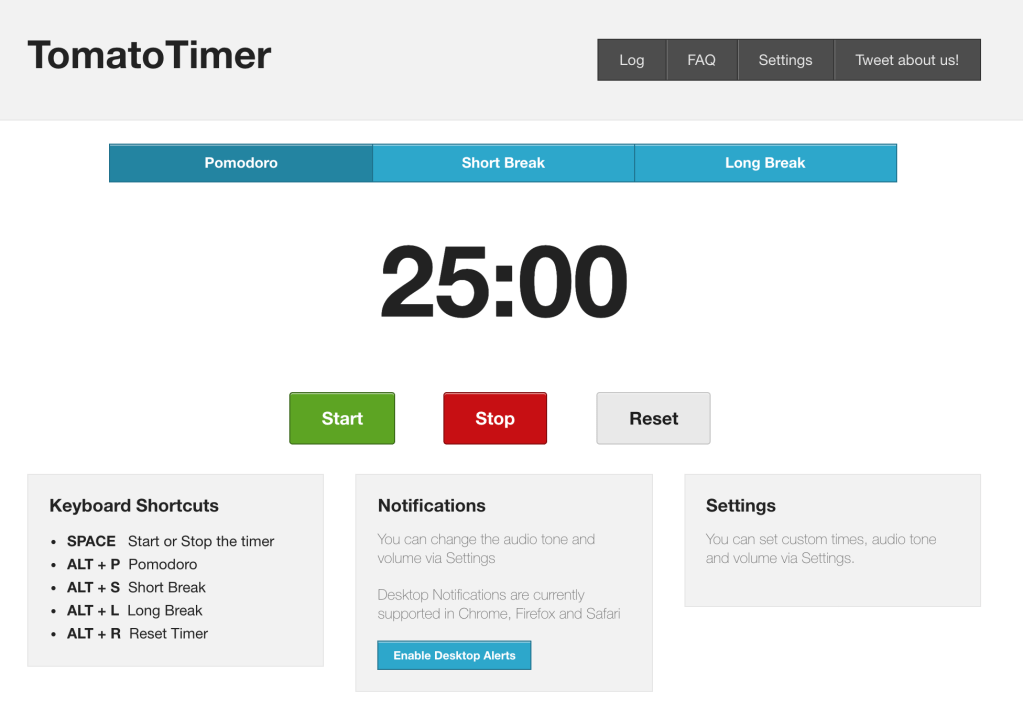
TomatoTimer: a straightforward, intuitive Pomodoro timer website accessible from any platform. Can customize time intervals.
Chrome Extensions
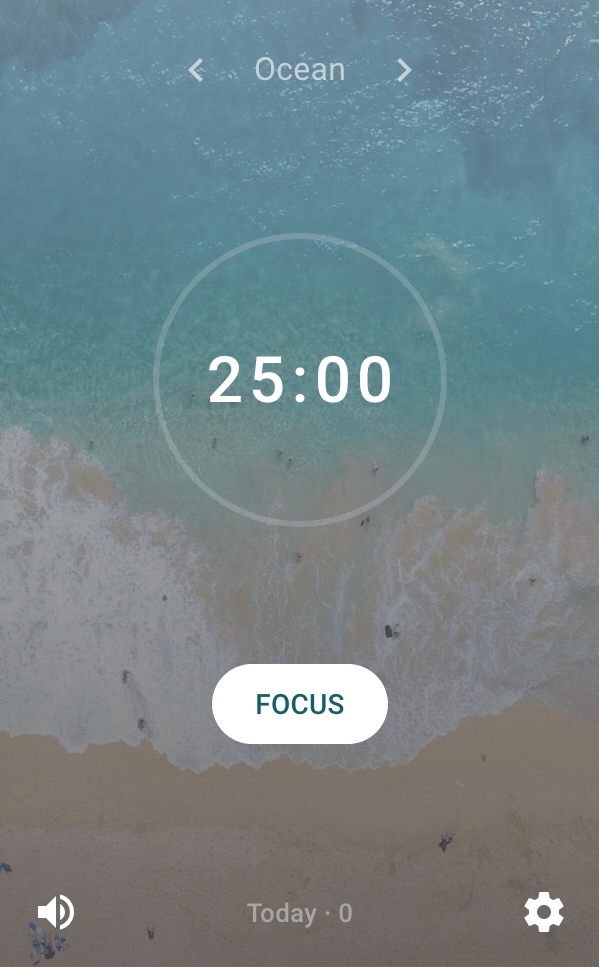
Tide: sleek Pomodoro timer with customizable time intervals. Can choose from a variety of ambient background music selections that play during work and automatically stop during breaks to differentiate between work and relaxation. Can adjust whether sessions auto-start and can choose to activate immersive mode, which blocks all websites during focus sessions except work-related websites you’ve whitelisted. Also has an app, though app is more focused on relaxation/meditation.
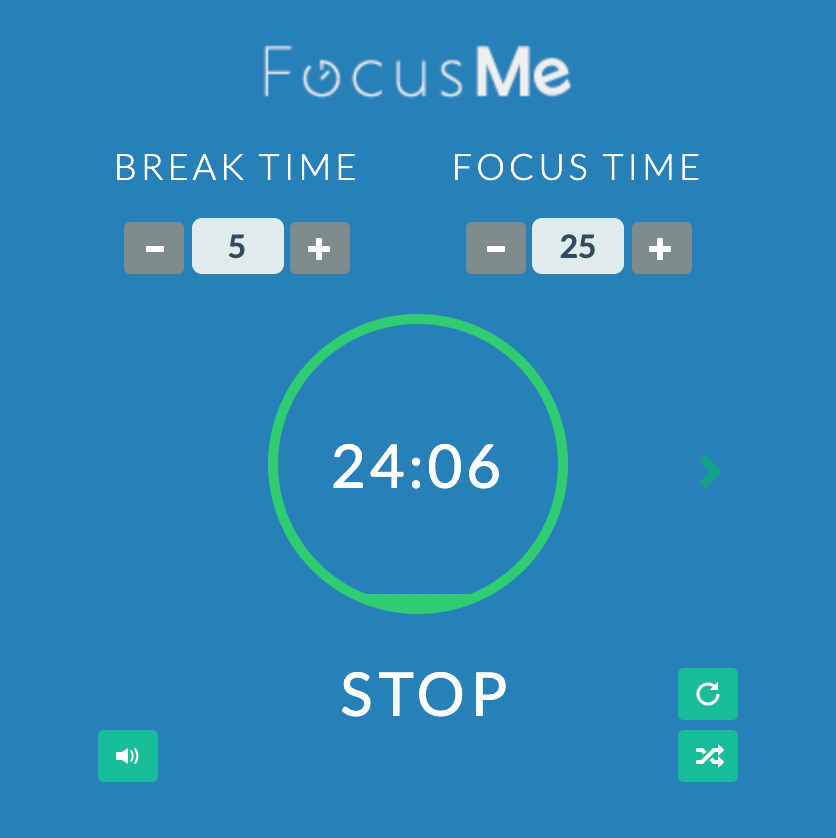
FocusMe: clean, simple Pomodoro timer with customizable interval lengths. Very useful function of blocking your blacklisted websites during work sessions, although this function can be turned and off as desired.
Apps
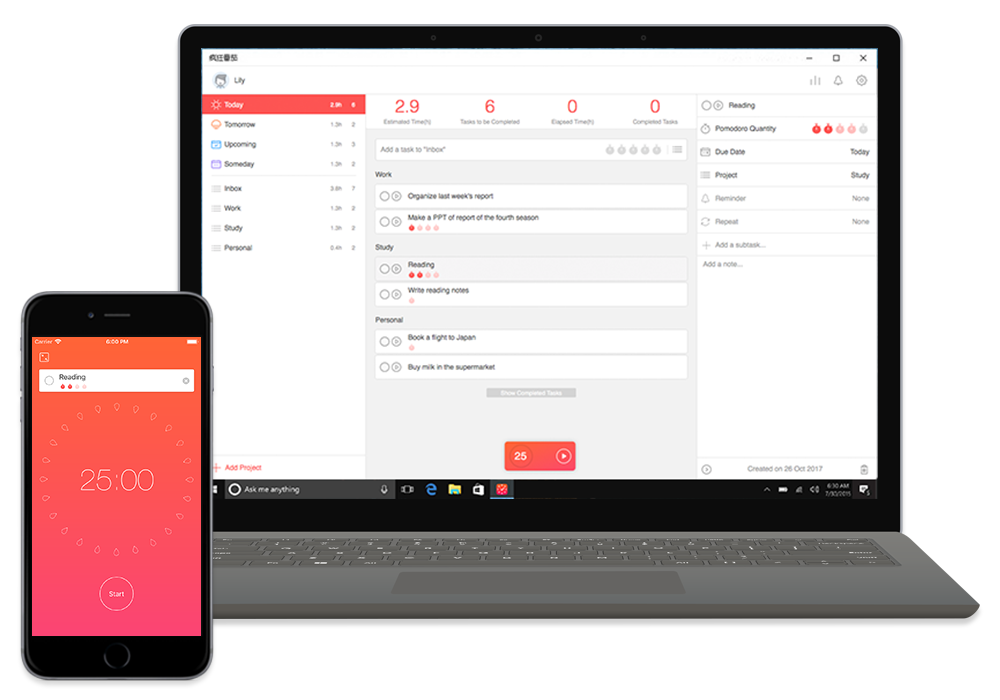
Focus To-Do: combines Pomodoro timer (customizable time intervals) with a comprehensive to-do list. Can estimate Pomodoro sessions needed for each task, assign tasks to different projects and days, and check them off when you’re done. Great if you want a multi-functional Pomodoro with plenty of customizable bells & whistles! Also available across most other platforms (Chrome Extension, Mac, etc.).
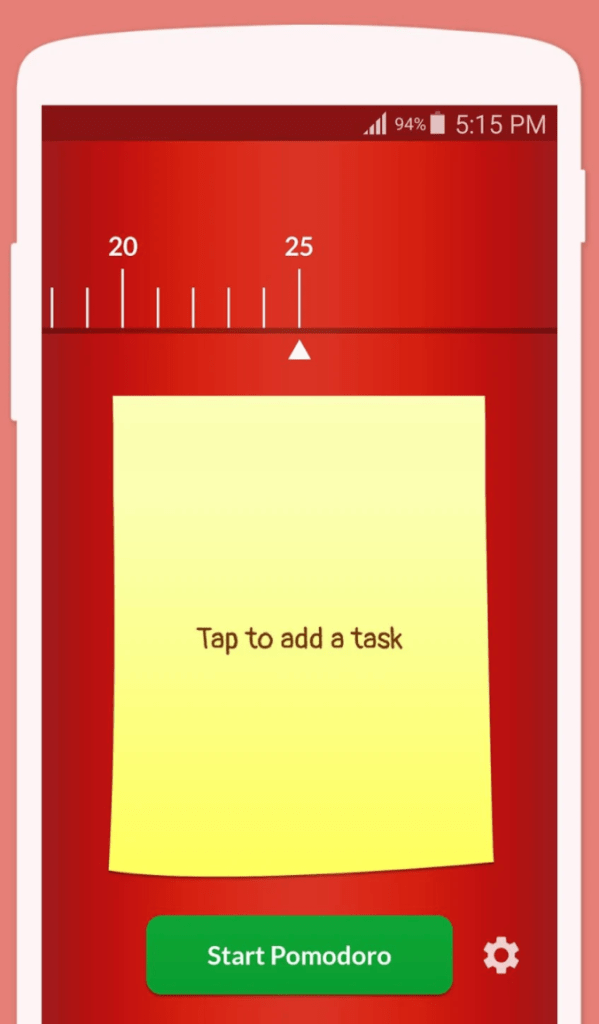
Pomodoro Timer Lite: a bare-bones Pomodoro timer with customizable time intervals. Perfect for those who want an easy, no-fuss platform they can use to get to work right away.
Hold: doesn’t have a Pomodoro timer function but helps keep you off your phone during Pomodoro work sessions! Points, streaks, leaderboards, and free rewards for points (though rewards aren’t available in the U.S., sadly) motivate you to stay on the Hold app and away from distractions.
Google Play: Hold – make it happen
Apple Store: Hold – make it happen on the App Store

With that, it seems my Pomodoro session is done and my work here is finished. Give the Pomodoro technique a try — I hope it’ll be as helpful for you as it has been for me!
This post was written in collaboration with Undistrackted, an all-in-one organization and productivity website that aims to help students around the world maintain focus. Check out their website (launching soon) and Instagram (@undistrackted) to see this post and others like it that help students optimize their productivity!
 The Caroline Times